View Details
4 GB RAM
80 GB NVMe SSD
Unmetered bandwidth
1 dedicated IPs
Windows Server 2019
Bluestacks Version 5 & 10
View Details
6 GB RAM
150 GB NVMe SSD
Unmetered bandwidth
1 dedicated IPs
Windows Server 2019
Bluestacks Version 5 & 10
View Details
6 GB RAM
150 GB NVMe SSD
Unmetered bandwidth
1 dedicated IPs
Windows Server 2019
Bluestacks Version 5 & 10
View Details
12 GB RAM
300 GB NVMe SSD
Unmetered bandwidth
1 dedicated IPs
Windows Server 2019
Bluestacks Version 5 & 10
View Details
24 GB RAM
600 GB NVMe SSD
Unmetered bandwidth
1 dedicated IPs
Windows Server 2019
Bluestacks Version 5 & 10
View Details
28 GB RAM
700 GB NVMe SSD
Unmetered bandwidth
1 dedicated IPs
Windows Server 2019
Bluestacks Version 5 & 10
Run Android Apps in the Cloud with BlueStacks VPS
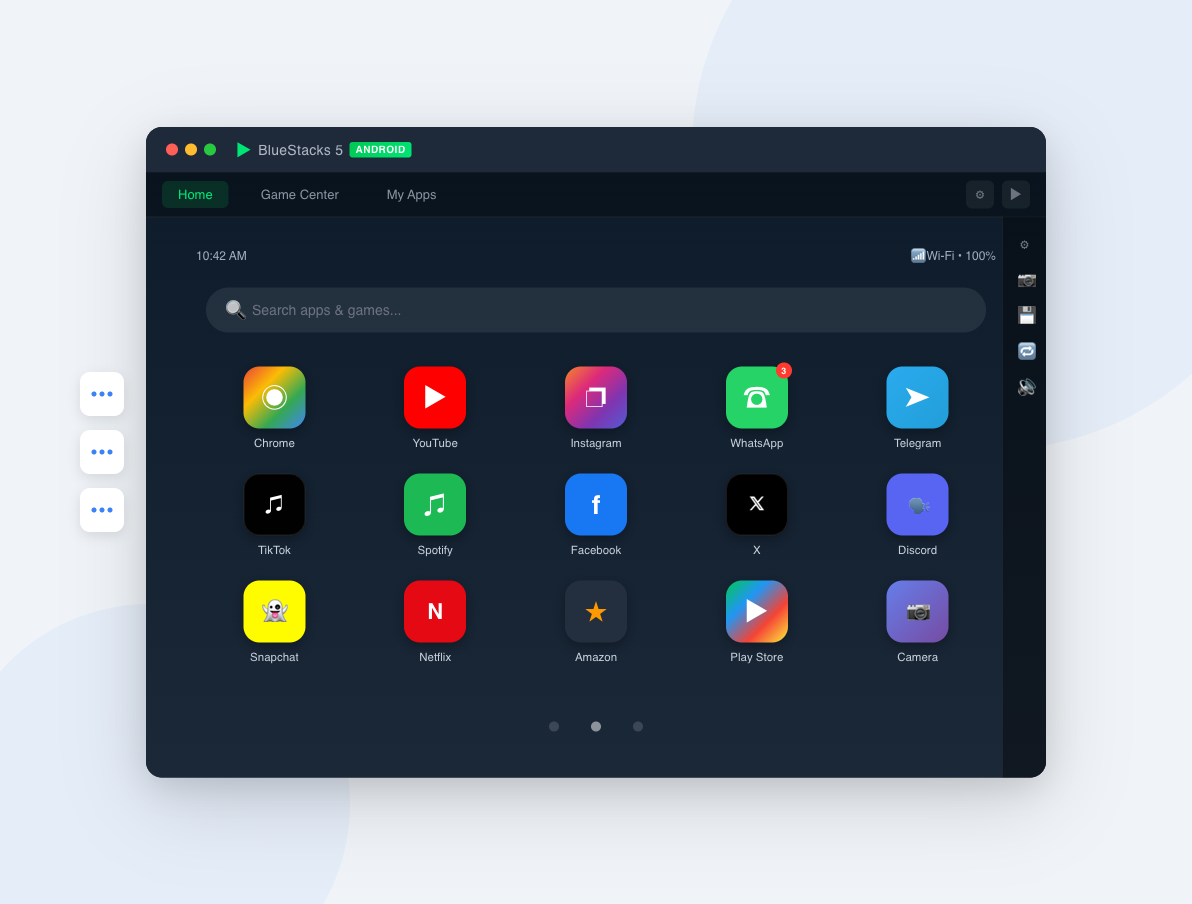
Our Android Emulator VPS provides a powerful cloud-based Windows environment optimized for running BlueStacks and other Android emulators. Whether you need to run mobile apps 24/7, automate tasks with macros, test Android applications across devices, or play mobile games on a high-performance server — our dedicated BlueStacks VPS has you covered.
Each plan runs on enterprise-grade hardware with NVMe SSD storage, Windows Server 2019, and BlueStacks pre-installed. Get full RDP (Remote Desktop) access, dedicated CPU cores, guaranteed RAM, and 1Gbps network connectivity. Run multiple BlueStacks instances simultaneously for farming, botting, or multi-account management — all with 99.9% uptime and 24/7 expert support.

Not what you're looking for?
Windows VPS Hosting with RDP Access
Fully managed Windows VPS with NVMe SSD, unmetered bandwidth, and full admin access.
High-Performance Linux VPS Hosting
Full root access, dedicated resources, and NVMe SSD storage with unmetered bandwidth.
Android Emulator VPS FAQ
An Android Emulator VPS is a Windows-based virtual private server specifically optimized for running Android emulators like BlueStacks. Unlike running BlueStacks on your local PC, a VPS provides dedicated resources (CPU, RAM, storage), 24/7 uptime, and remote access from any device. Your emulator runs continuously in the cloud even when your computer is off.
Running BlueStacks on a VPS offers several advantages: 24/7 operation without keeping your PC on, dedicated resources that don't slow down your daily work, remote access from any device via RDP, better performance with NVMe SSDs and guaranteed CPU cores, and lower electricity costs compared to running a local PC around the clock. It's ideal for farming, automation, and multi-instance setups.
Yes! Our VPS plans support multiple BlueStacks instances using the Multi-Instance Manager. The number of instances depends on your plan's resources — each instance typically requires 1-2 CPU cores and 2GB+ RAM. Our higher-tier plans (Silver, Gold) with 8-10 CPU cores and 24-28GB RAM can comfortably run 4-8+ instances simultaneously.
Yes, all our Android Emulator VPS plans come with Windows Server 2019 and BlueStacks Version 5 & 10 pre-installed. You can start using BlueStacks immediately after connecting via Remote Desktop (RDP). You can also install additional Android emulators like NoxPlayer, LDPlayer, or MEmu if preferred.
Popular use cases include: running mobile games 24/7 (farming, botting, AFK games), automating tasks with macros and scripts, managing multiple social media accounts, testing Android apps as a developer, running WhatsApp/Telegram bots, cryptocurrency airdrops and tasks, and accessing geo-restricted Android apps from a server location in the Netherlands.
You connect using Remote Desktop Protocol (RDP), which is built into Windows and available as a free app on Mac, Linux, iOS, and Android. After your VPS is provisioned (usually within minutes), you'll receive your IP address, username, and password. Simply open your RDP client, enter the credentials, and you'll see your Windows desktop with BlueStacks ready to use.


